Microsoft Office 2007
Microsoft Office 2007 Free Download for PC Windows 7/10/8, 32/64-bit introducing the new versions of Word, Excel, and PowerPoint
Safe & Secure
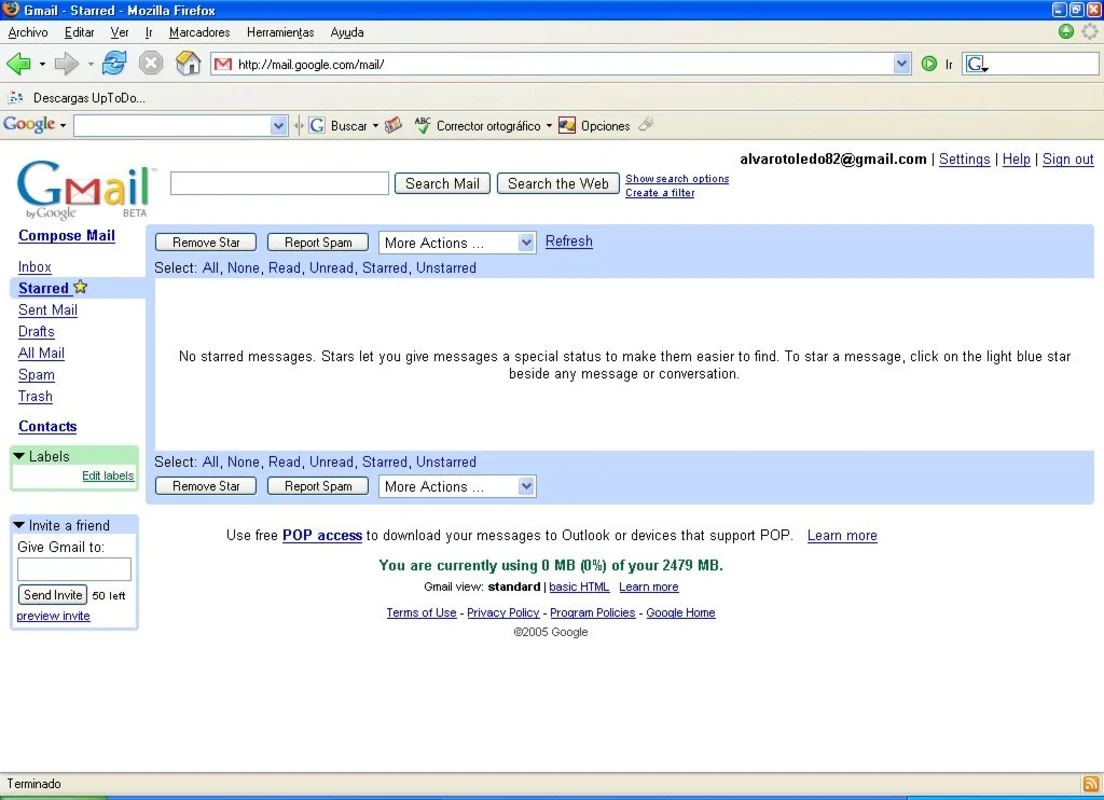
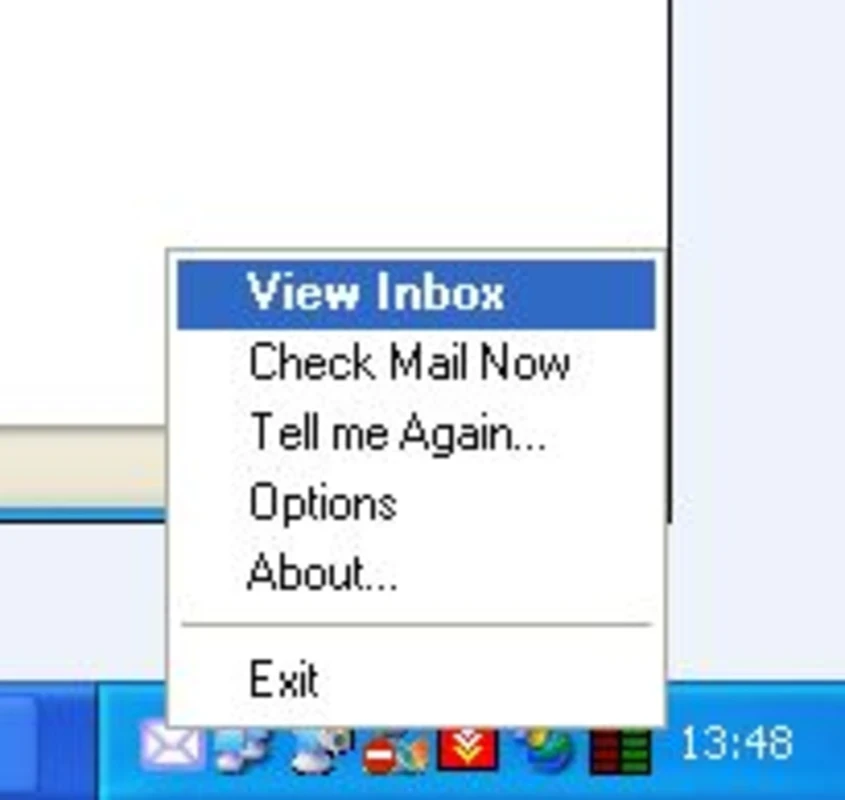
Gmail Notifier is a simple yet efficient program to enable users keep up with their messages without having to visit the Gmail webpage. So, you need not to open the account on your browser, instead click a small white envelop right available in the system tray and access any new email arrives.
It is a useful tool, specifically designed for Windows desktop versions, allowing users to receive Gmail notifications on their desktop. The highly customizable app helps to make changes according to your preferences. However, there are some limitations as well, making your workflow a little bit slow.
Gmail Notifier is free and simple software, developed by Google, and falls under the Office and Business Tools category, and also part of subcategory of Client Communication. It helps to avoid going to open the Gmail webpage on your browser, instead gives important information of any new arrived email hassle-free.
The app is best option, specifically for users who have to receive lot of emails and have to face bothering of to open the Gmail account. So, the simple notification system can reliably fix the issue, ensuring to view every receiving email right on their desktop screen.
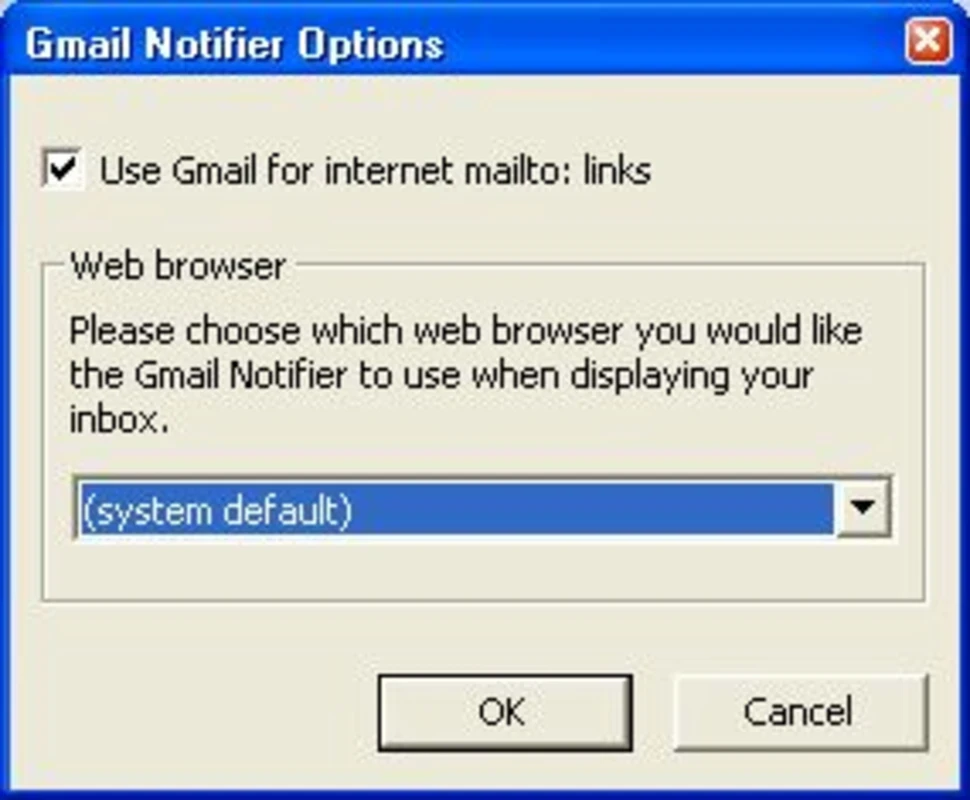
The app works as system tray icon, so there isn’t available any proper interface, and you have to view new messages arrived in the inbox, clicking the icon. The configuration panel is simple, as it has only few options that are easily understandable. You can configure the app easily, as there are little tweaking available to handle.
As we aforementioned, the app doesn’t have a traditional interface, so you will find a small white envelope placed in the system tray. Whenever you receive a new email, a small window will pop-up on the bottom right of the screen, offering snippet of the content of the received email. It not only helps to view first two or three lines of email, but also mentions the name sender, time, and other details.
The app notifies the arrival of any new email, but in case of missed notification, you can use the handy feature “Tell Me Again” to get back the pop-up on your screen. If you enable the feature from the Settings menu, it will display any new message after five or ten minutes, according to your scheduled time.
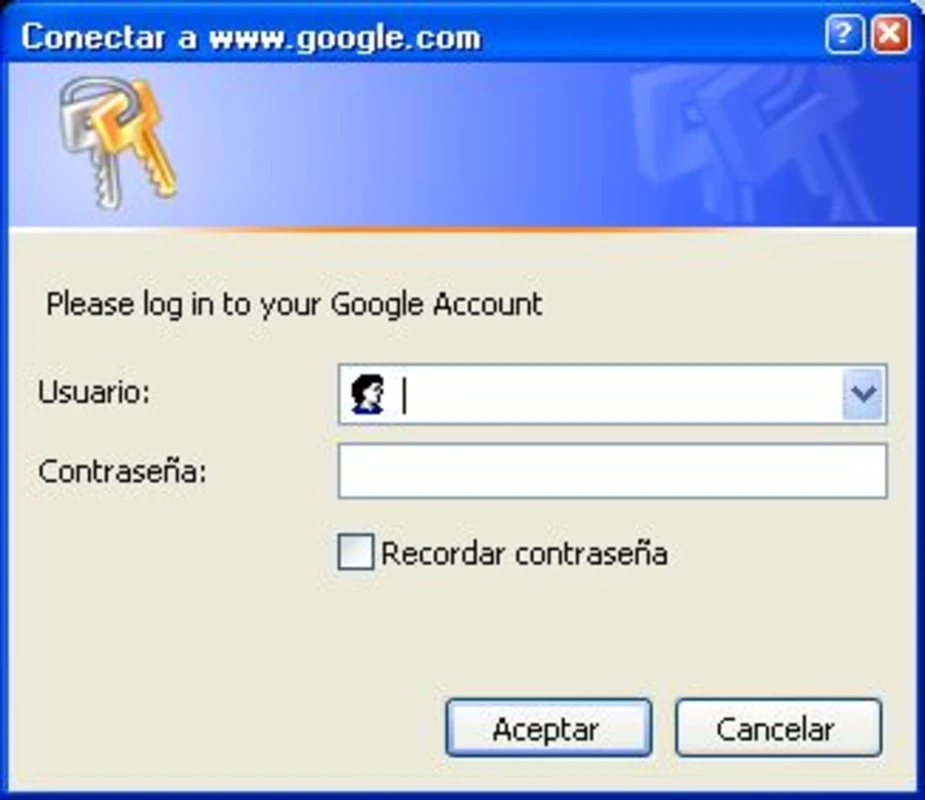
The app is simple to use with simple configuration options, allowing users easily manage everything without too much effort or skill. You need only to punch the email address and the password of specific Gmail account, and easily check periodically new messages. The app offers secure connection, so the entire data is locally encrypted without any threat of snatching.
Beyond basic settings, the app offers additional settings for the ease of users to manage the app as according to their preferences. So, it is possible to set mail checking interval minimum one minute, and also pause the verification of the account, as in case of the active screensaver, you can miss the alerts. You can skip the option to save the credentials for the safety of your personal information. However, you have to enter them each time you want to log in.
The app only displays the subject, sender, and time of any new email, and not the entire message. For the purpose, you have to double-click the white envelope-shaped icon and easily access your inbox. Offers frequent scans for new emails within two minutes, and so. However, you can manually refresh it by right-clicking the system tray icon.
We receive lot of emails and lot of them are important, but multiple are useless or less important. The app helps us to manage our inbox more reliably, as we can review new emails using the system tray icon, and if necessary, we simply double-click and access to view entire message and response, if necessary. However, it can check only one Gmail account and don’t have an automatic email checking option available.
The developers claim to offer audio alert functionality for the ease of users. But unfortunately, the feature isn’t available in the program, even not in the default settings. You can set up the feature using Control Panel. Moreover, there isn’t a “help file” section is available. But on the whole, it is a simple and easy to use software.
Pros
Cons

Microsoft Office 2007 Free Download for PC Windows 7/10/8, 32/64-bit introducing the new versions of Word, Excel, and PowerPoint

iLovePDF, the quick way of reading, editing, and converting PDF files

Microsoft Office 2010 has multiple editing and visualization features

Microsoft Excel has enhanced and powerful data-analyzing capabilities

Microsoft Office 2019 is a comprehensive suite of productivity apps

Microsoft Word is a powerful text tool for document creation, editing, and sharing